
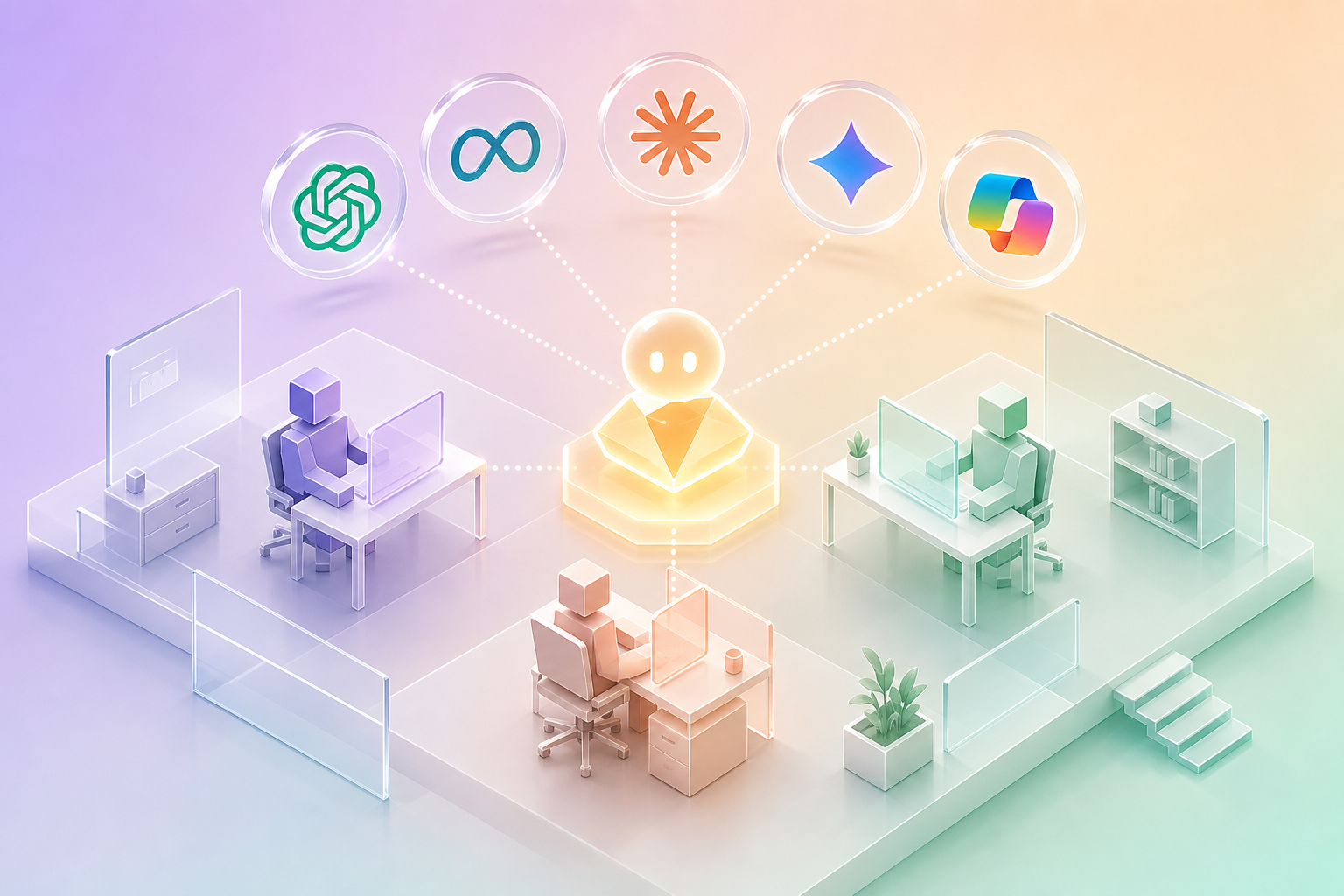
How to Build an Internal AI Assistant Your Team Will Actually Use
Quick answer: Internal AI assistant rollouts fail at the adoption layer roughly 80% of the time, not the capability layer. The fix is building for adoption from day one: pick a single high-frequency use case, train the assistant on actual company knowledge, ship it inside tools your team already opens daily, log every interaction for tuning, and make a single named owner accountable for adoption metrics. This post walks through the 90-day implementation we run at Mi Assist AI.
---
Why Most Internal AI Rollouts Die
A company buys ChatGPT Team or Microsoft Copilot. The CIO sends an announcement email. Maybe there is a brown-bag lunch session. People log in once or twice. Six months later the licenses are mostly idle and somebody on the finance team starts asking why the line item exists.
This is not a tool problem. ChatGPT and Copilot are excellent. The rollout pattern is what failed.
A rollout that works looks completely different. It starts with a specific business problem, not a tool. It launches inside the tools the team already uses. It is trained on actual company-specific knowledge so it answers questions a generic ChatGPT cannot. It has metrics nobody can ignore. And it has someone whose job, at least partially, is making sure it gets used.
When all of those are in place, adoption looks more like 70-90% of the team using it daily within ninety days. When any one is missing, adoption stalls below 20%.
---
The Three-Phase Implementation Model
This is the structure we use at Mi Assist AI for clients ranging from 30-person companies up to 500-person mid-market firms.
Phase 1: Discovery (Days 1-30)
The goal is to find one specific, high-frequency problem the assistant will solve. Not a list of ten use cases. One.
We sit with the team for a full week of interviews. We ask: what questions do you ask each other most often? What do you have to look up that takes more than five minutes? What knowledge do you wish was easier to find?
The answers cluster. In a law firm, it is "where is the precedent for this clause?" In a customer support team, it is "what is the answer to this product question?" In a sales team, it is "what did we promise this customer last quarter?" In an HR team, it is "what is our policy on this situation?"
Once we have the cluster, we pick the single highest-frequency, highest-friction question and build the assistant around answering it.
Phase 2: Pilot With Logging (Days 30-60)
We build a working assistant trained on the actual documents that contain the answers. For a law firm, that means uploading the firm's own contracts, briefs, and memos. For a support team, the product documentation and historical ticket resolutions. For an HR team, the policy handbook and past decisions.
Critically, we use a Retrieval-Augmented Generation (RAG) architecture. The assistant does not memorize the documents. It searches them at query time and cites specific sources in its answers. This matters for adoption: when the team can verify the answer against the source, trust builds fast. When the assistant just produces text without citations, trust never forms.
Tools we typically use: Claude or GPT-4 class models for the language layer, ChromaDB or Qdrant for the vector store, custom retrieval logic tuned to the document type. For clients who need on-premise deployment, we use OpenClaw, our local AI assistant that runs entirely on the client's hardware.
We launch the pilot to a small group: typically 5-15 users in the affected team. Every interaction is logged. Every "this answer was wrong" or "this answer was helpful" is captured.
Phase 3: Scale (Days 60-90)
We use the pilot logs to identify the questions the assistant handles well and the questions it struggles with. We tune prompts, add documents, fix retrieval issues. By the end of phase two we have a system that handles 80% of the target question type correctly with sources.
Then we expand. Phase three opens the assistant to the rest of the team or the next adjacent team. We add the next document corpus. We add the next question type.
By day 90, the assistant is handling multiple categories of questions for a broader user base, with a runbook the operations team can maintain.
---
The Six Adoption Patterns That Work
We have rolled out enough of these now to see what drives adoption versus what kills it. Here are the patterns that consistently work.
1. Build for One High-Frequency Question First
A single question, asked dozens of times a day, that the assistant can answer reliably. The team learns to trust the assistant on that one thing. Then they extend trust to the next thing. Then the next.
The opposite pattern, building a "general purpose internal assistant" that tries to do everything, almost always fails because there is no clear moment of trust formation. The team uses it once, gets a mediocre answer to a complex question, and concludes it does not work.
2. Ship It Inside Tools the Team Already Opens
Slack integration. Microsoft Teams integration. A browser extension that surfaces the assistant inside their CRM or case management system. Anywhere they already look.
A standalone web app at a separate URL that requires a separate login is forgotten within two weeks. We have proven this enough times that we no longer build standalone web apps for internal assistants unless there is a specific compliance reason.
3. Cite Sources for Every Answer
Every answer the assistant produces includes the specific document, section, or paragraph the answer came from. The user can click and verify in one second.
This is the single highest-leverage trust-building feature. Teams that cannot verify answers do not trust the assistant. Teams that can verify answers stop verifying after a few weeks because trust has been earned.
4. Make the Owner Accountable for Adoption Metrics
A single named person, typically the operations manager or a dedicated AI program manager, owns the rollout. Their KPIs include weekly active users, queries per user, and "this answer was helpful" rate. Those metrics are reported to leadership monthly.
Without an owner with accountable metrics, the rollout drifts. Engagement degrades, and nobody notices until it is too late to recover.
5. Log Everything and Tune Weekly
Every query, every response, every thumbs up or down. The owner reviews the logs weekly for the first ninety days. Bad answers are flagged, source documents are improved, retrieval logic is tuned, prompts are updated.
This weekly cadence is what separates assistants that get better over time from assistants that degrade.
6. Set Realistic Expectations Early
The launch communication should explicitly say what the assistant does well and what it does not yet do. "It can answer questions about our employee handbook with citations. It cannot draft performance reviews yet." Setting realistic expectations prevents the disappointment cycle that kills early adoption.
---
The Six Anti-Patterns That Kill Adoption
1. Generic ChatGPT With Custom Branding
Buying ChatGPT Team and putting your company logo on it does not create an internal assistant. Your team can already use ChatGPT. The value comes from training on your specific knowledge.
2. No Owner
The most reliable predictor of failure. Without a named owner, the assistant is everyone's responsibility, which means nobody's responsibility, which means it dies.
3. Boil-the-Ocean Scope
"We are going to build an assistant that does everything." It will not. Pick one thing. Get that working. Then extend.
4. No Source Citations
Trust never forms. Adoption stalls below 20% even when the answers are technically correct.
5. Standalone Web App
Forgotten within weeks. Build inside Slack, Teams, browser extensions, or directly into the existing tools.
6. Buying the Tool Without Implementation Budget
ChatGPT Team is $25 per user per month. Implementation is $20,000 to $80,000 in the first year for a 50-person company. Companies that budget the tool but not the implementation get the tool, not the assistant.
---
What to Measure
Three categories of metrics matter for an internal AI assistant. Set up dashboards for each from day one.
Adoption
- Weekly active users (target: 70%+ of eligible users by day 90)
- Queries per user per week (target: 5+ for sustained engagement)
- Days since last query distribution (target: median under 3 days)
Quality
- "This answer was helpful" rate (target: 75%+ thumbs up)
- Source citation rate (target: 95%+ of answers include sources)
- Hallucination flags (target: under 2% of answers reported as wrong)
Business Impact
- Time saved per query (estimated through self-report or sampling): typically 5-15 minutes per query
- Total hours recovered per week
- Internal "questions to other people" reduction (measured in support ticket trends, Slack message volume, or survey)
---
What Mi Assist AI Specifically Builds
We design internal AI assistants for companies that need:
- Trained on company-specific data with full source citations
- Deployed inside Slack, Teams, or existing tools (rarely standalone)
- Optionally on-premise via OpenClaw for compliance-sensitive environments (legal, healthcare, finance)
- Owned and maintained with clear metrics
---
When to Build vs. When to Buy Off-the-Shelf
Some companies should not build a custom internal assistant. They should buy ChatGPT Team or Microsoft Copilot and use it as-is.
Buy off-the-shelf if:
- The questions your team asks are general (research, summarization, drafting), not specific to your proprietary knowledge
- Your team is small (under 30 people) and a custom build is too expensive to justify
- Your data is not sensitive enough to require on-premise deployment
- The team's most frequent questions require company-specific knowledge that ChatGPT cannot answer
- Compliance or confidentiality requires on-premise or controlled deployment (this is most legal, most healthcare, much of finance)
- You have at least 50 users and the math works on per-user productivity gains
---
FAQ
Q: What is the difference between ChatGPT and an internal AI assistant? A: ChatGPT is trained on the public internet. An internal AI assistant is trained on your company's specific documents and knowledge, can be deployed in your existing tools, and cites sources from your own data. Generic ChatGPT cannot answer questions about your firm's internal precedents, your product documentation, or your company policies.
Q: How long does it take to build an internal AI assistant? A: Typically 90 days from kickoff to scaled rollout for a small to mid-market company. Faster if scope is narrow and document corpus is clean. Slower if multiple integrations or strict compliance requirements are in play.
Q: How much does an internal AI assistant cost in 2026? A: Implementation typically runs $20,000 to $80,000 depending on company size, integration complexity, and on-premise vs. cloud deployment. Ongoing operation runs $1,500 to $4,000 per month for cloud, more for on-premise installations.
Q: Do I need to use a specific AI model? A: No. The model layer is the easiest to swap. We choose between Claude, GPT-4, and others based on the use case. The harder design choices are around document indexing, retrieval logic, and integration architecture.
Q: Can the assistant be deployed entirely on-premise without sending data to the cloud? A: Yes, through tools like OpenClaw. On-premise deployment runs on a dedicated Mac Mini or server inside your office and never sends data to a third party. This is the right architecture for legal firms, healthcare practices, and finance teams with strict confidentiality requirements.
---
Want help scoping an internal AI assistant for your team? Book a free implementation assessment and we will identify the highest-frequency question category and outline the 90-day build in the first thirty minutes.
Ready to show up in AI search?
We get local businesses cited in ChatGPT, Perplexity, and Google Gemini within 90 days.
Learn About AI Search Optimization